Move from Image Exploration to a Design Asset Workflow with Ideogram 4
A useful design asset is more than an image that looks finished. It has approved wording, an intended application, a version record, and a practical route to correction. When introducing Ideogram 4 into a design workflow, define that handover before generating a large collection of concepts. Otherwise the team may gain more images while leaving the difficult production decisions unresolved.
Keep the brief connected to the image
Start with the purpose of the asset. A packaging concept, an editorial cover, and a campaign poster need different forms of control. Record the main subject, exact text, reading hierarchy, and expected formats. Keep the original wording in an editable source that does not depend on extracting letters from a picture.
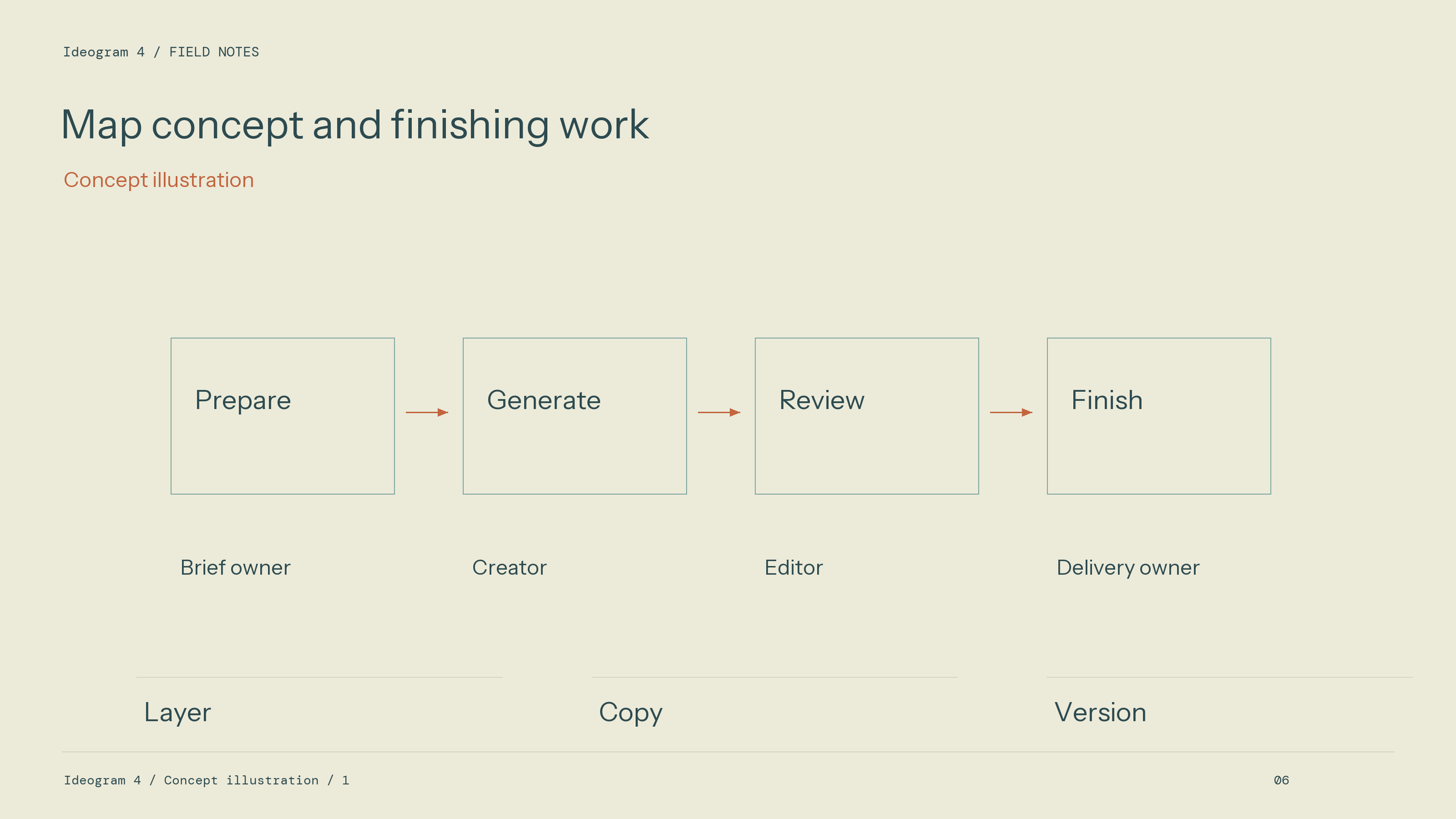
Workflow diagram: Map concept and finishing work. Layer / Copy / Version.
Separate elements that are fixed from those being explored. A brand name, a required product shape, or a mandatory information line may be fixed. Colour mood, surface material, and illustration direction may remain open. This distinction lets reviewers discuss the creative work without accidentally approving a change to the business information.
Explore relationships rather than isolated backgrounds
Treat text and image as one composition during the concept stage. Specify the space the title needs, its relationship to the main subject, and any material support such as a label or signboard. Plan margins and secondary information early. A background that leaves no room for the message creates a finishing problem even when it is visually strong.
Develop a small set of directions with meaningful differences. A restrained typographic composition, a material-led sign treatment, and a more illustrative direction can test different ideas. Keep the core copy stable so that the decision concerns those ideas. A large batch with no clear question is difficult to review and difficult to reuse.
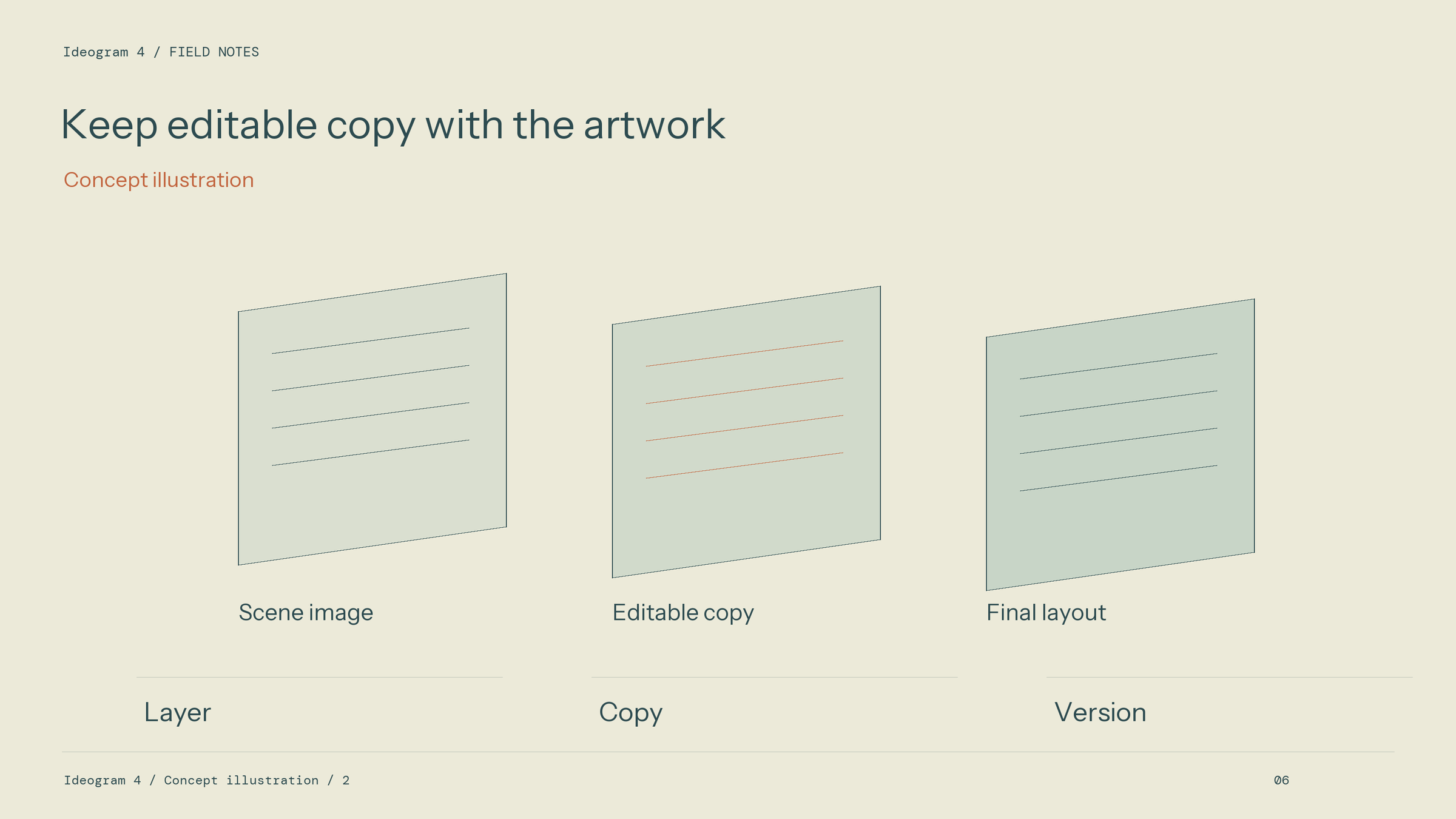
Workflow diagram: Keep editable copy with the artwork. Layer / Copy / Version.
Make finishing a named production stage
Inspect the selected output for text, structure, contrast, and the requirements of its destination. Decide which parts can remain in the image and which should become editable production elements. A headline that changes regularly, a legal line, or a final logo may be better handled in a layout source where precise revisions are straightforward.
Confirm the actual file types and editing controls offered by the chosen access route. Do not infer a vector drawing or a layered document from an image's appearance. If the project needs those formats, include the appropriate reconstruction, typesetting, or vector finishing work in the schedule and assign an owner to it.
Build a usable handover record
Store the chosen image with its brief, exact copy, relevant references, active model and mode, and revision history. Give each accepted version a clear name. Record what changed and why, including any work completed outside the generation workspace. This makes a later correction traceable instead of forcing another designer to guess how the composition was assembled.
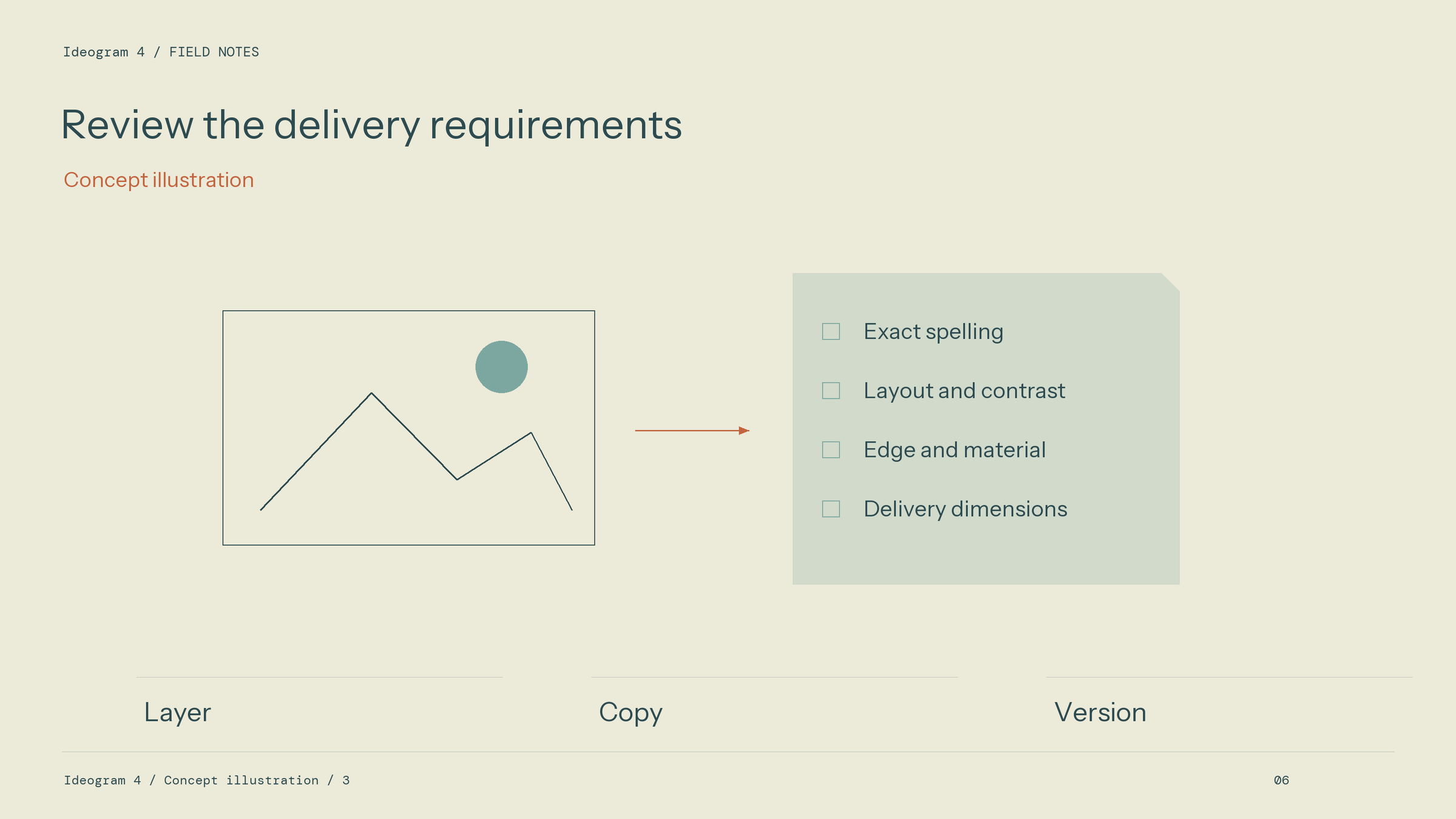
Workflow diagram: Review the delivery requirements. Layer / Copy / Version.
For an asset family, keep a compact visual guide. State the type hierarchy, palette intention, margin rules, and treatment of the subject. Compare the family together, because individually attractive images can still drift apart when placed in one campaign. Review the actual exports at the destination sizes, not only the large working previews.
Measure the workflow through complete projects. Track the time spent briefing, generating, selecting, correcting, and preparing deliverables, using one consistent definition of an accepted asset. Keep rejected work in the record. This provides a basis for process improvement without assuming that more generated candidates mean higher productivity.
The route offered through Ideogram 4 can support the exploration stage within this wider system. The final production value comes from keeping creative choices, exact information, and finishing responsibilities connected. A reusable asset is one that the next person can understand, adapt, and deliver with confidence in what was actually approved.